# Just a Sample
> **Note:** This is a fork of [Just a Sample](https://github.com/BOBONA/Just-a-Sample) by Binyamin Friedman.
[Your favorite sampler shouldn't be complicated.](https://bobona.github.io/just-a-sample/)
[Promo video](https://www.youtube.com/watch?v=P7dgOe_frXw)
[See releases](https://github.com/BOBONA/Just-a-Sample/releases)
Available for Windows, Mac, and Linux in VST3/AU.
## Overview
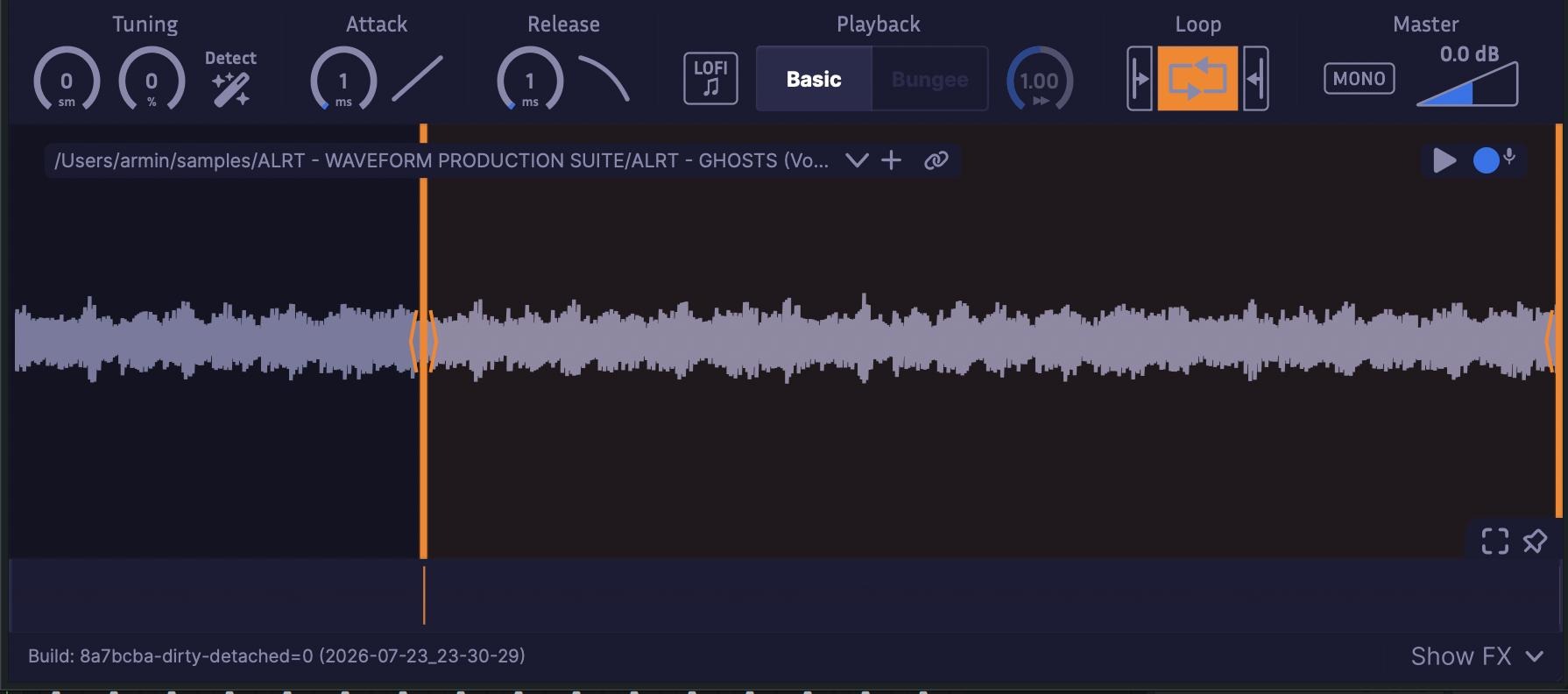
Just a Sample is a powerful, _modern_ audio sampler, with a focus on simplicity and ease of use.
This is my personal fork of the project. All glory to Binyamin, not me.
## Features
[Detailed feature list](FEATURES.md)
#### Core features
- Smoothly zoom in to the level of individual samples to
set bounds as accurately as you need. Waveform drawing is **optimized** for large samples.
- Integrated [Bungee time stretcher](https://github.com/kupix/bungee) allows for
freely modulating time and pitch independently. Try extreme slow-downs (0.01x) for unique sounds.
- Modern navigation controls allow for easy browsing of waveforms with touchpad or mouse.
- A routable FX chain includes reverb, chorus, distortion, and EQ for easy sound design.
- Waveform Mode activates when small bounds are set, looping the waveform periodically like a wavetable synth. This turns Just a Sample into a unique tone generator.
- Easily modify attack and release curves.
- Includes equal power cross-fade looping with separate attack and release sample portions.
- Supports pitch bend and fine-tuning.
#### Extras
- Disable antialiasing for a gritty LoFi effect.
- Record samples directly into the sampler.
- Store samples directly in plugin state to remove dependencies (can be disabled).
- Auto-tune to A440 (experimental, works best on simple sounds).
## Installation
### Pre-built
You can download installers from,
- [itch.io](https://binyaminf.itch.io/just-a-sample)
- [GitHub Releases](https://github.com/BOBONA/Just-a-Sample/releases)
### Build from source
Just a Sample is easy to build from source.
```bash
# Clone the repository
git clone --recurse-submodules https://github.com/BOBONA/Just-a-Sample/.git
# Go to the project root
cd Just-a-Sample
# Configure the plugin (replace with windows, mac, or linux)
cmake --preset=
# Build the plugin
cmake --build --preset=release-
```
Note that the first time you configure the project, CMake will download JUCE and other dependencies, which may take a while.
Your built plugin will be located in `out/build///JustASample_artefacts///` where `` is windows, mac, or linux, `` is either debug or release, and `` is either VST3 or AU (Mac only).
#### Build Options
You can set the following CMake options by passing `-D